

Download MEGASync – Secure Cloud Sync for Windows, Mac & Mobile
Overview
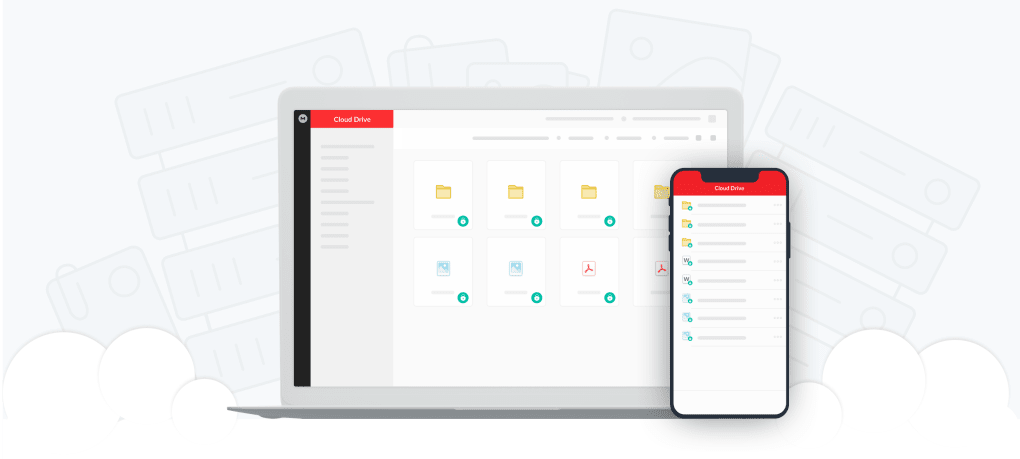
MEGASync is a cloud‑based synchronization tool designed to keep your files instantly up‑to‑date across Windows computers, Macs, Android phones, and iOS devices. Built on the well‑known MEGA cloud platform, the desktop client offers a clean, user‑friendly interface that lets you select folders, set sync rules, and collaborate with teammates without worrying about version conflicts or data loss. Once you create a free MEGA account, the installer guides you through a quick setup: point the app at the folder you want to protect, and MEGASync takes care of the rest, automatically uploading changes, applying end‑to‑end encryption, and syncing the latest version to every authorized device. Whether you are a freelancer juggling client assets, a small business looking for a low‑cost file server replacement, or a creative team needing to share large video clips, MEGASync delivers fast, secure, and flexible cloud storage that scales from the free 50 GB tier up to multi‑terabyte premium plans.
Key Features & Benefits
- Selective Sync: Choose whole folders or individual file types to sync, keeping unnecessary data off secondary devices.
- Zero‑Knowledge Encryption: Files are encrypted on the client side with AES‑256, and only you hold the decryption keys.
- Versioning & Restore: Automatic version history lets you revert to previous file states and recover deleted items from the trash.
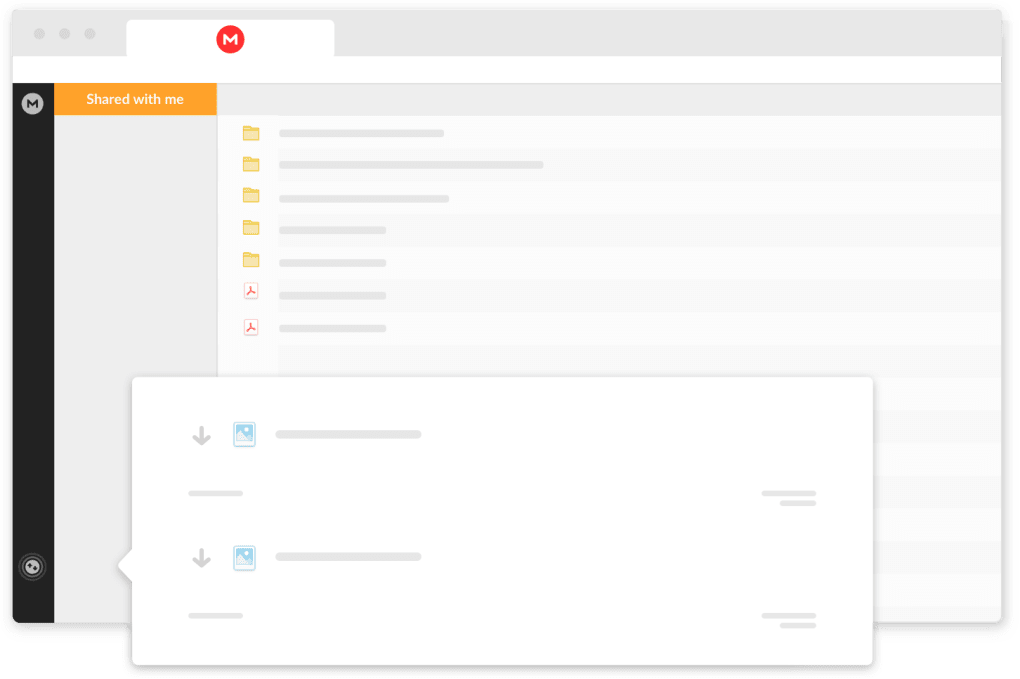
- Team Collaboration: Share folders with granular permissions, view shared‑with‑me content, and manage contacts directly from the desktop UI.
- Built‑in Chat & Secure Links: Real‑time encrypted chat and password‑protected, expiring download links simplify secure communication.
- Cross‑Platform Support: Windows 10/11, macOS 10.13+, Android 6+, and iOS 12+ clients keep your data in sync wherever you work.
- Two‑Factor Authentication (2FA): Add an extra security layer to your MEGA account to prevent unauthorized access.
- Public Source Code: MEGA’s open‑source client allows security researchers to audit the code for vulnerabilities.
- Automatic Photo & Video Sync: Enable a setting to back up media from mobile devices to the cloud without manual effort.
These capabilities make MEGASync more than a simple backup tool; it’s a full‑featured collaboration hub that respects privacy while delivering the speed and reliability expected from modern cloud services. The intuitive tray icon gives you instant access to recent files, sync status, and preferences, so you never have to hunt through menus to find what you need.
Installation, Usage & Compatibility
Getting started with MEGASync is straightforward. After signing up for a free MEGA account, download the installer from the official website. The Windows version runs on Windows 10 and Windows 11, while macOS users can install the .dmg package on macOS 10.13 (High Sierra) or newer. Mobile apps are available via Google Play and the Apple App Store, ensuring seamless sync across Android and iOS devices.
During installation, the wizard prompts you to log in with your MEGA credentials and to choose a local folder for synchronization. You can either sync the entire cloud drive or select specific folders, thanks to the selective‑sync option. Once configured, MEGASync launches automatically at system startup, monitoring file changes in real time. The task‑bar (or menu‑bar on macOS) icon displays a concise status indicator: a green checkmark for up‑to‑date files, a spinning wheel while syncing, and an exclamation mark for conflicts.
Using the application is as simple as dragging files into the synced folder. The client instantly encrypts the data, uploads it to MEGA’s servers, and pushes the update to any other device linked to the same account. For teams, the “Share Folder” dialog lets you invite collaborators by email, assign read‑only or edit permissions, and set expiration dates on shared links. The built‑in chat window appears under the same icon, allowing you to discuss files without leaving the sync environment.
Supported operating systems include:
- Windows 10 / Windows 11 (64‑bit)
- macOS 10.13+ (Intel & Apple Silicon)
- Android 6.0+ (ARM & x86)
- iOS 12+ (iPhone & iPad)
System requirements are modest—at least 2 GB RAM and 200 MB of free disk space for the client itself. Network bandwidth is the primary factor influencing sync speed, and MEGASync automatically negotiates the fastest available protocol (HTTPS or TLS‑based). Regular updates are delivered through the built‑in updater, ensuring you receive the latest security patches and feature enhancements without manual intervention.
Pros, Cons, FAQ & Final Verdict
Pros
- Strong zero‑knowledge encryption protects privacy.
- Selective sync reduces bandwidth and storage usage.
- Cross‑platform compatibility keeps data accessible everywhere.
- Free tier offers 50 GB, sufficient for light users.
- Versioning and trash recovery prevent accidental data loss.
Cons
- Loss of encryption key means permanent data inaccessibility.
- Free storage shrinks after six months (from 50 GB to 15 GB).
- Shared‑with‑me view lacks a quick “files I shared” overview.
- Initial setup can be confusing for non‑technical users.
- Premium plans are slightly more expensive than some competitors.
Frequently Asked Questions
How much free storage does MEGASync provide?
MEGASync starts with 50 GB of free cloud storage. After six months, the free quota reduces to 15 GB unless you upgrade to a paid plan.
Is my data truly private with MEGASync?
Yes. All files are encrypted on your device before they leave for MEGA’s servers. The company employs zero‑knowledge encryption, meaning only you possess the decryption keys.
Can I sync only certain file types?
Absolutely. The selective‑sync feature lets you filter by folder, file type, or specific extensions, preventing unwanted files from occupying space on other devices.
What happens if I forget my encryption key?
MEGASync cannot recover a lost key because it never stores it. You will lose access to the encrypted files, so it’s crucial to keep a backup of the key in a secure location.
Does MEGASync support two‑factor authentication?
Yes. Enabling 2FA on your MEGA account adds an extra verification step during login, enhancing protection against unauthorized access.
Final Verdict & Call to Action
Overall, MEGASync stands out as a secure, versatile, and easy‑to‑use cloud sync solution for individuals and small teams. Its strong encryption, selective sync, and cross‑platform reach outweigh the minor drawbacks of key management and the shrinking free tier. If you need a reliable way to keep files synchronized across Windows, macOS, Android, and iOS while maintaining full control over your privacy, MEGASync is a solid choice. Ready to boost your workflow? Download MEGASync now and start syncing your important data securely today.







